
In this article
- Is there real demand for personalized products?
- Step 1: Pick personalized products that sell
- Step 2: Decide how you'll make the products
- Step 3: Design the personalization options
- Step 4: Set up the product page on Shopify
- Step 5: Price the personalization
- Step 6: Get every order to production correctly
- Step 7: Write a returns policy that fits the law
- Step 8: Make product pages that sell
- Step 9: Launch and grow
- Your launch checklist
- Frequently asked questions
- Keep exploring
To sell personalized products on Shopify, pick products where a name, photo or message is the point of the purchase, decide how they'll be made (print on demand, in-house or both), add personalization fields and a live preview to your product pages, price the personalization, and set up a clean path from order to production, with a returns policy that matches the law. You don't need inventory or a design team to start: print-on-demand partners make each item after it's ordered, and a personalizer app collects what the customer wants printed.
This guide walks through the whole process in nine steps, with real numbers and official sources checked in October 2026. Where a product needs more detail, we link to our dedicated guides on t-shirts, canvas prints, aprons and picture books.
Key takeaways
- In Deloitte's UK survey, 36% of consumers were interested in personalized products and half said they make great gifts; only about 7% of all consumers would pay a 20% premium.
- Keep size, color and material as Shopify variants (up to 3 options, 2,048 variants) and put names, photos and messages in line item properties through a personalizer.
- A personalized Printful mug sold at $24.99 with free shipping leaves about $10.53 after base cost, shipping and Shopify Payments fees, before ads.
- EU and UK law exclude clearly personalized goods from the 14-day withdrawal right, and Printify warns not to press Request fulfillment in Shopify before reviewing personalized orders.
Is there real demand for personalized products?
Yes, especially for gifts, though it's smaller and more specific than some marketing claims suggest.
The most cited study is Deloitte's consumer research on personalization, based on a YouGov survey of 1,560 UK adults in 2015. It found:
- 36% of consumers were interested in buying personalized products or services.
- Half felt customized products make great gifts.
- 48% were willing to wait longer for a personalized product.
- Of the consumers interested in personalization, 1 in 5 were willing to pay a 20% premium. That's about 7% of all consumers, not "everyone pays 20% more", as the figure is often misquoted.
- Only 16% had ever bought a customized product, which leaves a lot of room.
Big retailers price personalization as a paid extra. Pottery Barn charges $17 per product for monogramming, and L.L.Bean's business store charges $10 per line, per item.
Gift seasons matter most. In the NRF's October 2025 holiday survey, 42% of shoppers planned to start before November, and US holiday sales for November and December 2025 were estimated to be up 4.1% on the year. Shopify merchants alone sold $14.6 billion over Black Friday and Cyber Monday 2025.
Step 1: Pick personalized products that sell

The best personalized products are ones where the personal detail is the whole reason to buy. A plain mug is a commodity; a mug with a grandchild's drawing on it isn't.
| Product | What customers personalize | Typical buyer |
|---|---|---|
| T-shirts and hoodies | Names, numbers, team names, photos | Teams, families, events, gifts |
| Mugs and drinkware | Names, photos, short messages | Gifts for every occasion |
| Canvas and wall art | Family, pet and wedding photos | Gifts, home decor |
| Aprons | Names, monograms, business logos | Gifts, cafes and restaurants |
| Jewelry | Names, initials, dates, birthstones | Gifts, anniversaries |
| Picture and photo books | A child's name, family photos | New parents, grandparents |
| Ornaments and seasonal items | Names, years, family members | Christmas and holidays |
Start narrow. One product type for one clear audience (say, embroidered aprons for home bakers, or name books for new parents) is easier to market than a catalog of everything. Our guides go deep on several of these: how to sell custom t-shirts on Shopify, custom canvas prints, custom blankets, custom rubber stamps, personalized aprons and personalized picture books.
Step 2: Decide how you'll make the products
There are three ways to produce personalized products.
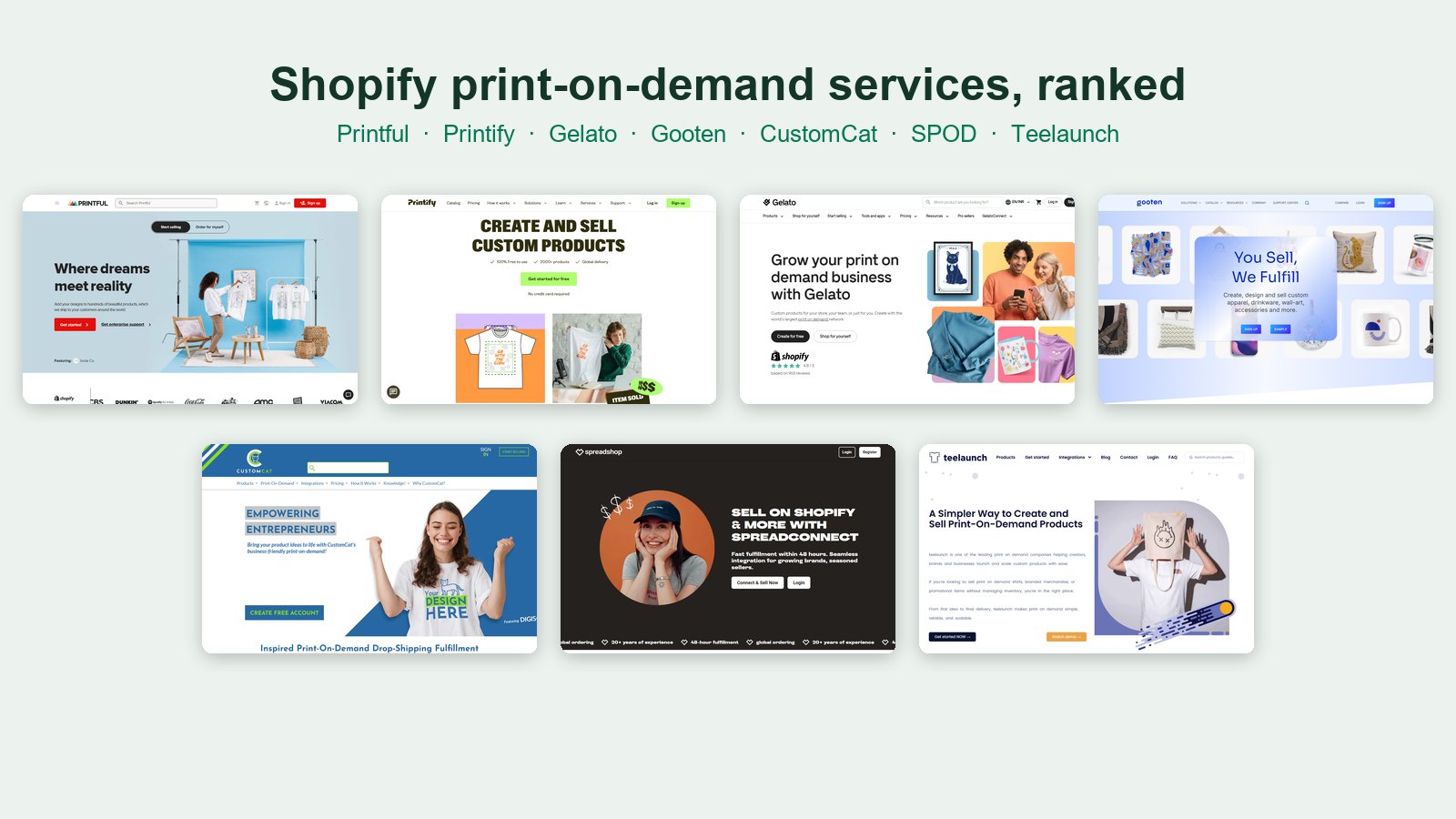
Print on demand. A partner prints, packs and ships each item after it's ordered, under your brand. Printful says a standard order has no minimum quantity, and Printify lists no minimums on its products. No upfront cost and no stock, but you give up some margin and control. Our ranking of Shopify print-on-demand services compares seven partners on price, speed and branding.
In-house. You make the products yourself: engraving, embroidery, sublimation or hand finishing. You keep more margin and control quality, but you buy equipment and do the work. As one example, Glowforge listed its Spark laser at $899 in October 2026, and xTool's P2 55W CO2 laser was listed at $2,999 in September 2026.
Hybrid. Many stores do both: print on demand for apparel and wall art, and in-house for engraved or premium items.
If you're starting out, print on demand lets you test products before you invest in equipment. Move a product in-house once it sells steadily and the margin would justify it.
Step 3: Design the personalization options
Every option you offer is something a customer can get wrong and something your production has to handle. Keep them few and clear.
- Text fields for names, dates and messages, each with a specific label ("Name on mug, max 12 letters") and a character limit you've tested on the real product.
- Font choice: three or four fonts that stay readable at the printed size, such as a script, a bold sans serif and a classic serif.
- Color or style choices as swatches showing the real colors.
- Photo upload for photo products, with guidance on resolution and cropping.
- A live preview so customers see their text or photo on the product before they pay. It answers "what will it look like?" and catches typos.
Test your longest allowed name on a sample. If "Christopher" doesn't fit the print area at a readable size, your limit is too high.
Step 4: Set up the product page on Shopify

Shopify gives you two places to store a product's choices, and personalization belongs in only one of them.
Variants are for choices that change what you stock or charge, such as size, color and material. Shopify allows up to three options and up to 2,048 variants per product (raised from 100 in October 2025).
Line item properties are for what the customer creates. Shopify's developer docs describe them as name and value pairs that add custom information to a line item, such as engraving text or a gift message. A customer can type anything, so it can't be a variant.
You can add a basic text field yourself with a few lines of theme code, or use a personalizer app, which adds fields, photo upload, a live preview and add-on pricing without code. Personalizer apps usually appear on your product page as an app block, which works with Online Store 2.0 themes. If only some products are personalized, create a separate product template for them in the theme editor and assign it to those products.
PIMW Product Personalizer is our app. On its Shopify App Store listing in October 2026, text fields, the live preview and add-on fees work on every plan, including Free, which covers 1 personalizer template on up to 2 products. Basic costs $7.99 a month, Pro $13.99 and Unlimited $24.99. Customer image upload is on Pro (up to 20 customer photos per personalizer) and Unlimited. Paid plans have a 3-day free trial and there's no per-order fee.
Step 5: Price the personalization

Price the product and the personalization separately in your head, even if the customer sees one price.
Here is a worked example for a personalized 11 oz mug from Printful, as priced in October 2026:
| Line | Amount |
|---|---|
| Base cost (11 oz white mug) | $6.75 |
| US shipping, first mug | $6.69 |
| Your price, free shipping | $24.99 |
| Shopify Payments fee (2.9% + 30¢, Basic plan) | $1.02 |
| What's left before ads | $10.53 |
How to set your prices:
- Charge for extra work. A second print area, a back print, a gift message or a design you prepare by hand all cost you more. Add them as paid options.
- Use the big retailers as an anchor. If Pottery Barn charges $17 to monogram one item, a $5 to $10 personalization fee on a small store is easy to justify.
- Price every size separately. Bigger sizes and plus sizes cost more to make and ship.
- Leave room for ads and reprints. Some orders will need a remake, and ads have to come out of your margin.
Our guide to pricing personalized products goes deeper on fees and margins.
Step 6: Get every order to production correctly
The riskiest moment in a personalized order is between checkout and printing. The customer's text has to reach production exactly as typed.
- Know how your print partner handles personalized orders. Printify's help center says personalized orders need manual approval: they're flagged "Review needed" and you approve the personalization before submitting. It also warns not to press "Request fulfillment" in Shopify, which sends the order to production without review. Printful imports Shopify orders with customizable products as drafts for you to finish.
- Consider manual confirmation. Printful lets you set all imported orders to wait for your confirmation before they're charged and produced, which gives you a chance to check each one.
- Proof high-value orders. For engraved jewelry, wedding items or books, send the customer a proof before production. Shopify has no built-in proof workflow, so this is done by email or through an app.
- Use fulfillment statuses. Orders start as Unfulfilled in Shopify, and you can place an order on hold while you wait for a proof approval.
Place a test order before you launch and check the result on the physical product.
Step 7: Write a returns policy that fits the law
Personalized products are hard to resell, and the law in several regions recognizes that.
- EU: the Consumer Rights Directive (2011/83/EU, Article 16) says the 14-day right of withdrawal does not apply to goods "made to the consumer's specifications or clearly personalised".
- UK: the Consumer Contracts Regulations 2013 (regulation 28(1)(b)) have the same exception for goods "made to the consumer's specifications or are clearly personalised". Customers still have rights if an item is faulty or not as described.
- US: the FTC's Cooling-Off Rule doesn't cover sales made entirely online. Return rules otherwise depend on your own policy and state law.
A clear policy might say: personalized items can't be returned for change of mind, but you'll replace anything damaged, defective or printed incorrectly, and customer typos are the customer's responsibility once they've seen the preview. Pottery Barn, for example, says monogrammed items can't be cancelled or returned except for defects. Our guide to returns and refunds for personalized products covers wording and edge cases.
Step 8: Make product pages that sell
A personalized product page has one job: make the customer confident the finished item will look like they imagine.
- Show real examples. Photos of finished products with different names and photos, not just a blank template.
- Put the live preview first. It's the most persuasive part of the page.
- Explain sizes and limits next to the fields, not in a separate tab.
- Be clear about timing. Say how long production and shipping take, and post holiday cut-off dates well before December.
- Answer the common questions on the page: can I see a proof, what if I make a typo, can I return it?
Step 9: Launch and grow
- Plan around gift seasons. Mother's Day, Father's Day, graduation, weddings, back to school and the winter holidays drive most personalized sales. With 42% of holiday shoppers planning to start before November, list your seasonal products by October.
- Build bundles. A matching mug and apron, or a family set of shirts, raises order value.
- Collect photos from happy customers (with permission) to use as real examples.
- Go after business buyers. Cafes, teams, schools and companies order personalized items in bulk and reorder.
- Check what's working every month, and drop products that don't sell.
Your launch checklist

- Choose one product type and one audience to start.
- Pick a print partner (or plan in-house production) and order samples.
- Decide the personalization options and test your longest name.
- Set up variants for size and color, and personalization fields for what customers create.
- Add a live preview and character limits.
- Price the product and the personalization, including shipping and fees.
- Set up order review or proofing before production.
- Publish a returns policy that fits EU, UK and US rules for personalized goods.
- Add real product photos, size guidance and delivery times.
- Place a test order, then launch ahead of the next gift season.
Personalized products reward care more than scale. Get the options, the preview and the order handling right, and every order becomes something the customer couldn't have bought anywhere else.
Frequently asked questions
How do I sell personalized products on Shopify?
Pick products where a name or photo is the reason to buy, choose print on demand or in-house production, add personalization fields and a live preview with a personalizer app, price the personalization, review orders before production, and publish a returns policy that fits the rules for personalized goods.
Is there demand for personalized products?
Yes, especially for gifts. In Deloitte's UK survey, 36% of consumers were interested in personalized products, half said they make great gifts, and 48% would wait longer for one. Only 16% had ever bought one, so many buyers are still new to the category.
Do I need inventory to sell personalized products?
No. Print-on-demand partners make each item after it's ordered; Printful says standard orders have no minimum quantity and Printify lists no minimums on its products. You can move best-sellers in-house later.
How do I add a personalization field to a Shopify product?
Personalization is stored as line item properties, name and value pairs saved on the order. You can add a basic field with theme code, or use a personalizer app for fields, photo upload, live preview and add-on pricing. PIMW Product Personalizer has text fields and preview on every plan, including Free.
Can customers return personalized products?
In the EU and UK, the 14-day right of withdrawal does not apply to goods made to the customer's specifications or clearly personalized, though faulty items are still covered. In the US, returns depend on your policy and state law. Most stores replace defects and misprints but not change-of-mind returns.
How much should I charge for personalization?
Pottery Barn charges $17 per product for monogramming and L.L.Bean's business store $10 per line, per item. Small stores often charge $5 to $10, or build it into the price, and charge more for extra print areas or hand-prepared designs.
Keep exploring
Sources & further reading
Primary sources referenced in this article. We link to official platform documentation and standards bodies rather than secondary summaries so you can verify claims directly.
- Deloitte: Made-to-order, the rise of mass personalisation (2015, archived)
- Pottery Barn: Monogram guide ($17 per product)
- L.L.Bean for Business: Monogramming and engraving
- NRF: 2025 holiday survey
- NRF: CNBC/NRF Retail Monitor, December 2025
- Shopify: BFCM 2025 results
- Printful Help Center: Manual orders, no minimums
- Glowforge: Spark laser
- Shopify Help Center: Variants (3 options, 2,048 variants)
- Shopify Changelog: Variant limit raised to 2,048
- Shopify Dev Docs: line_item and line item properties
- Shopify Help Center: App blocks
- Shopify Help Center: Product templates
- Shopify App Store: PIMW Product Personalizer
- Printify Help Center: Reviewing personalized orders
- Printful Help Center: Manually confirm imported orders
- Shopify Help Center: Order fulfillment status
- Directive 2011/83/EU, Article 16 (exceptions to withdrawal)
- UK Consumer Contracts Regulations 2013, regulation 28
- FTC: Cooling-Off Rule